Getting My Hugo Blog Running Again
I recently tried to resurrect my old blog. You can tell it’s an old blog because my other two posts are several years old (7 and 6 years respectively at the time of this writing). Incidentally, this follows my blogging pattern to a tee - several times I’ve tried to keep a blog but my attention wanders shortly after the technical challenge has passed and I leave it alone for several years. Whether or not this blog will continue the same pattern remaions to be seen.
Github Pages
This blog is hosted on Github Pages - or rather, Github Pages is set up to host reimers.us. The first hurdle was to figure out why the site wasn’t coming up in the first place - I was just getting a Domain Not Found error from Safari.

Fortunately, Github has added a live DNS checker to their Pages settings, so I was able to tell right away that the domain was no longer pointed to Pages.
Namecheap
My registrar for reimers.us is Namecheap, so I took a trip over there to check out my DNS settings. After fiddling with their (quite terrible) UI, I was able to determine that my NS servers were pointed somewhere else and I wasn’t able to make zone changes at Namecheap.
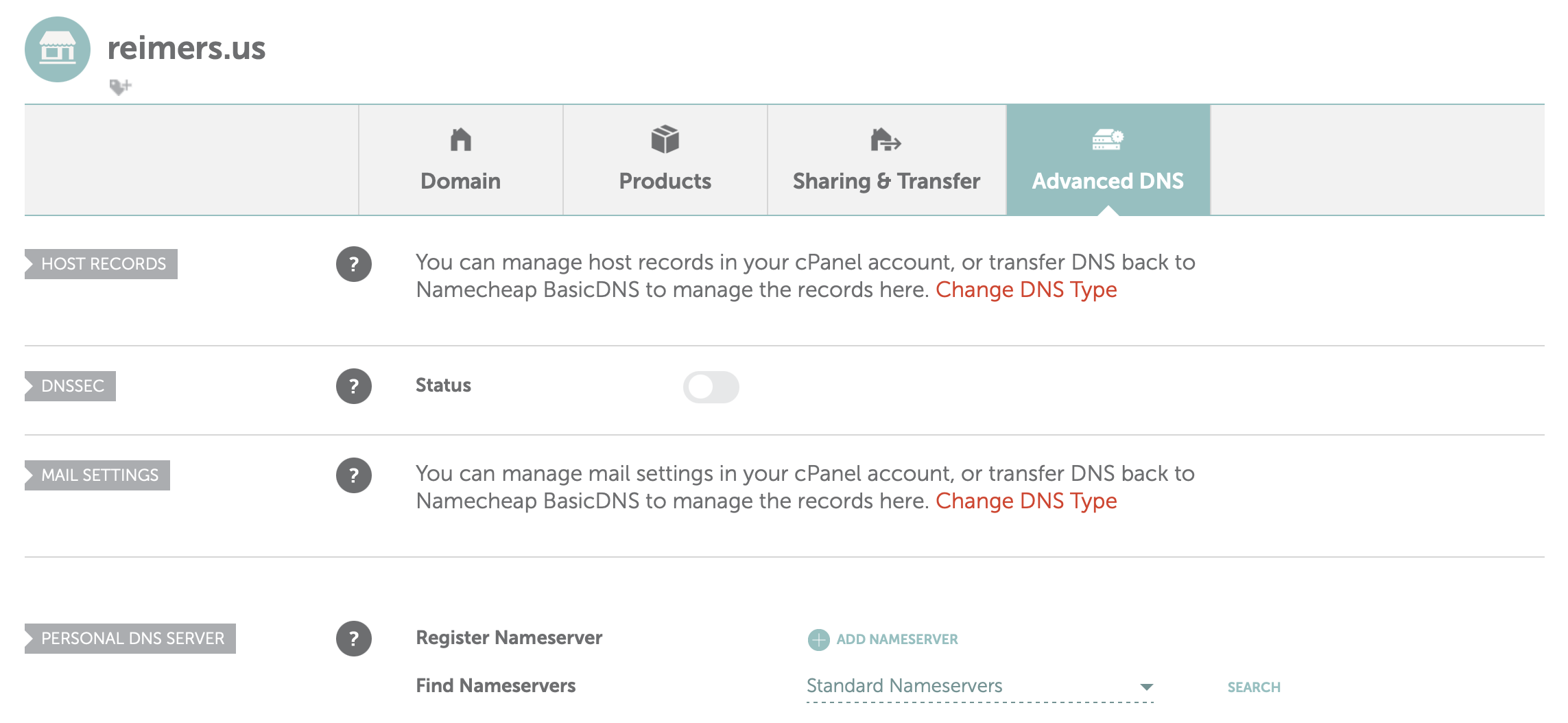
I copied the domain part of the NS entry and plugged it into Safari, and it brought up… my email provider, Fastmail.
Fastmail
I remembered that I had moved my domain DNS hosting to Fastmail so that they could automatically configure SPF/DMARC for me. This hosting comes with a degree of DNS configurability, and I was able add the requisite A and CNAME records to point the domain at Github Pages.
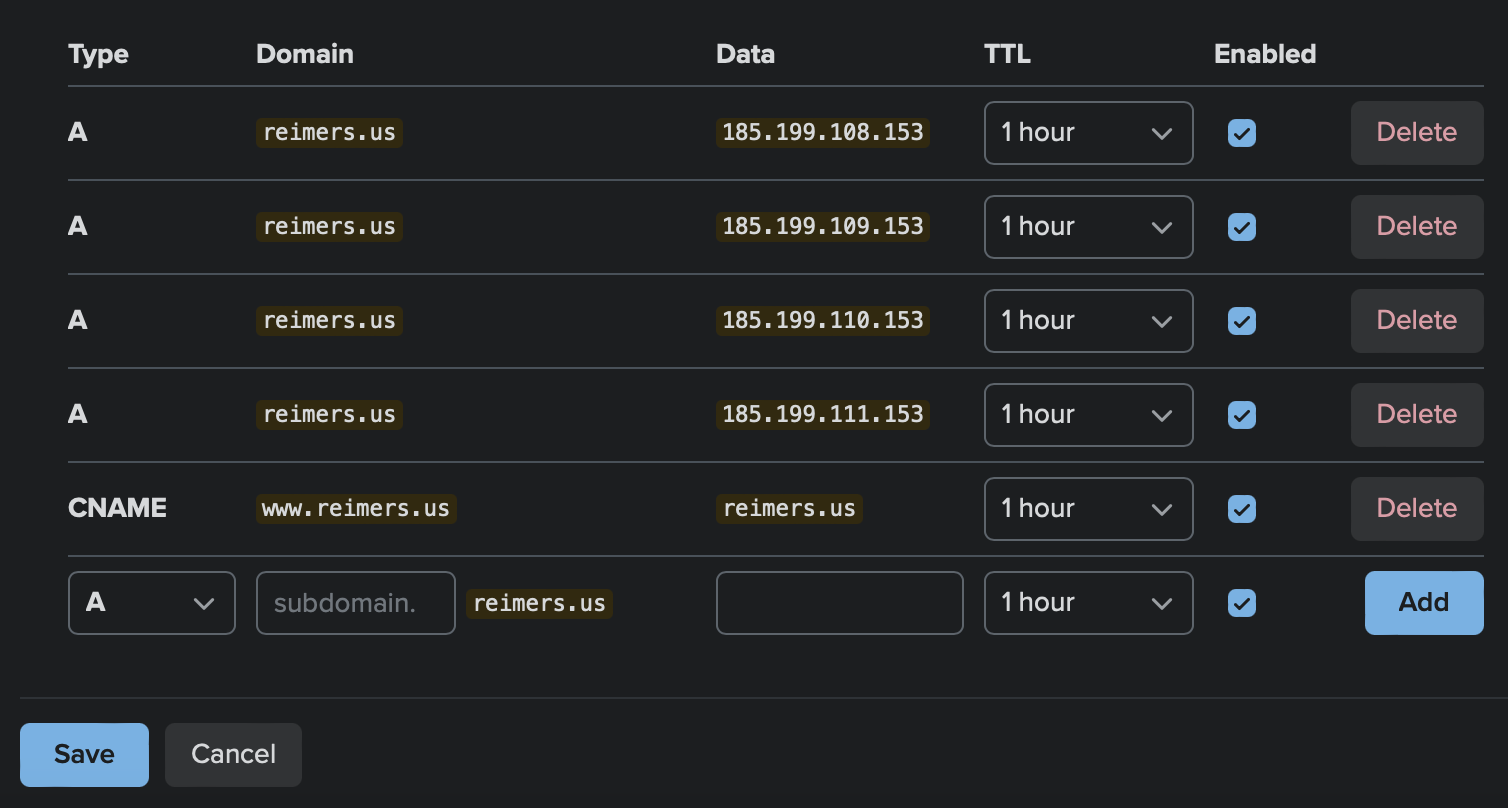
Success! Well - not quite yet.
Github Pages Again
So now that the domain was pointed correctly, it should all just work - right? Unfortunately, when I tried to load the web page in a browser, I just got a 404 error page.
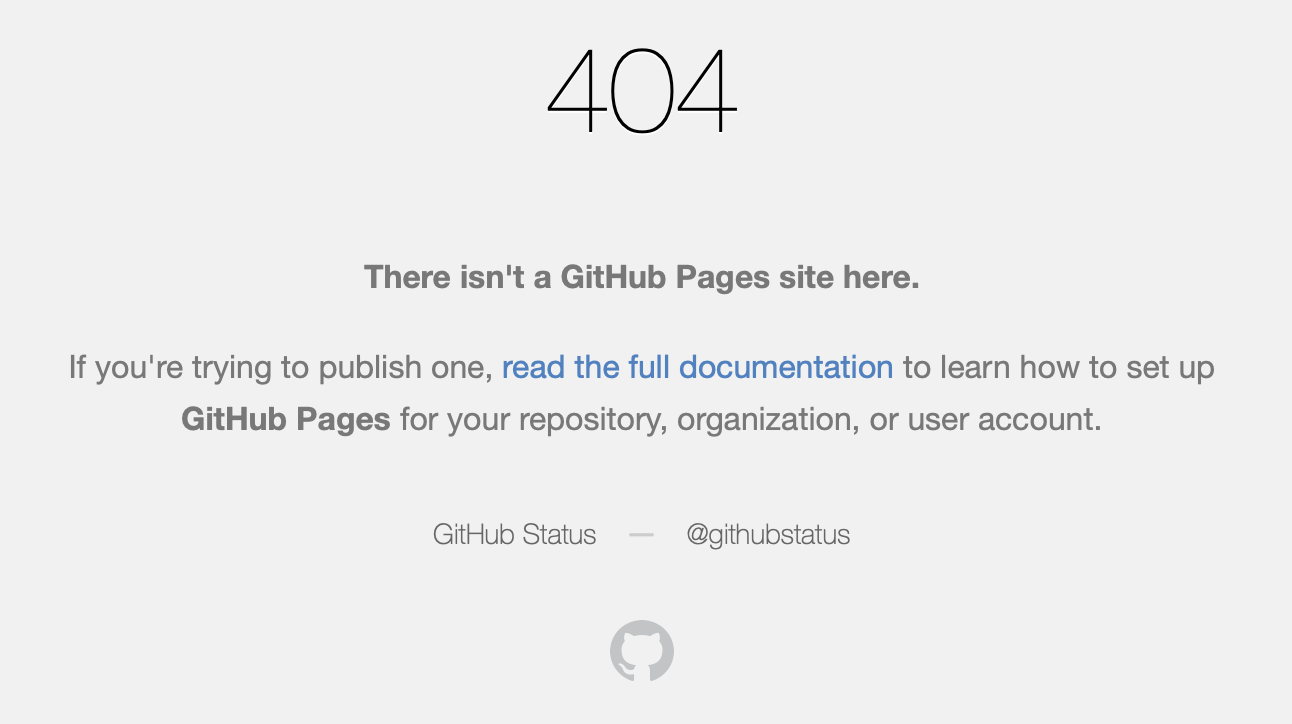
Ok, at least we were making progress.
Hugo
I figured all I had to do now was to get Hugo to build the site and upload it to Pages by committing it to the repo. I cloned the repo and installed the latest version of Hugo with homebrew, installed the Ezhil theme from the official repo, then attempted to view my site (after reading some documentation on Hugo). Unfortunately, I hit an error when I tried to start the Hugo development server.

After doing some research, I discovered that the theme I was using had been abandoned and was no longer compatible with Hugo.
Ezhil Theme
After some more research, I found that there were a couple of community-made forks of the theme, so I picked one and cloned the repo as a submodule in the themes directory (this is the actual recommended workflow).
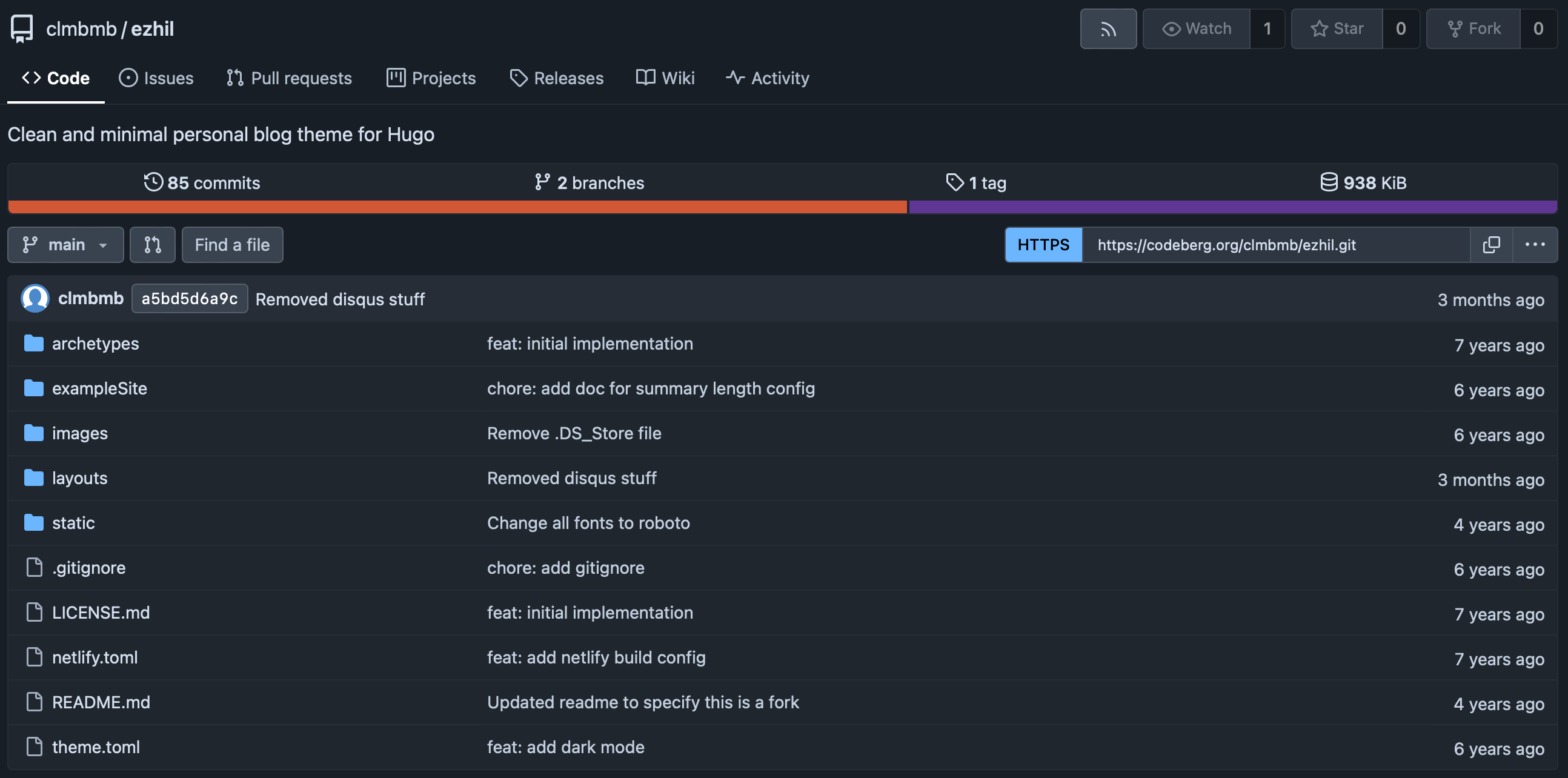
Adding the fork of the theme and rebuilding the site allowed the development server to start. I could finally see my blog again! Not published, but at least it looked like I remembered it.
Github Pages Again Again
I went back to Pages and configured it to build with Hugo. Unfortunately, that didn’t work. Looking at the error message was not instructive. I then tried to set it up as a static deployment. This sort of worked; but the site that was displayed had no styling whatsoever - the theme wasn’t being applied.
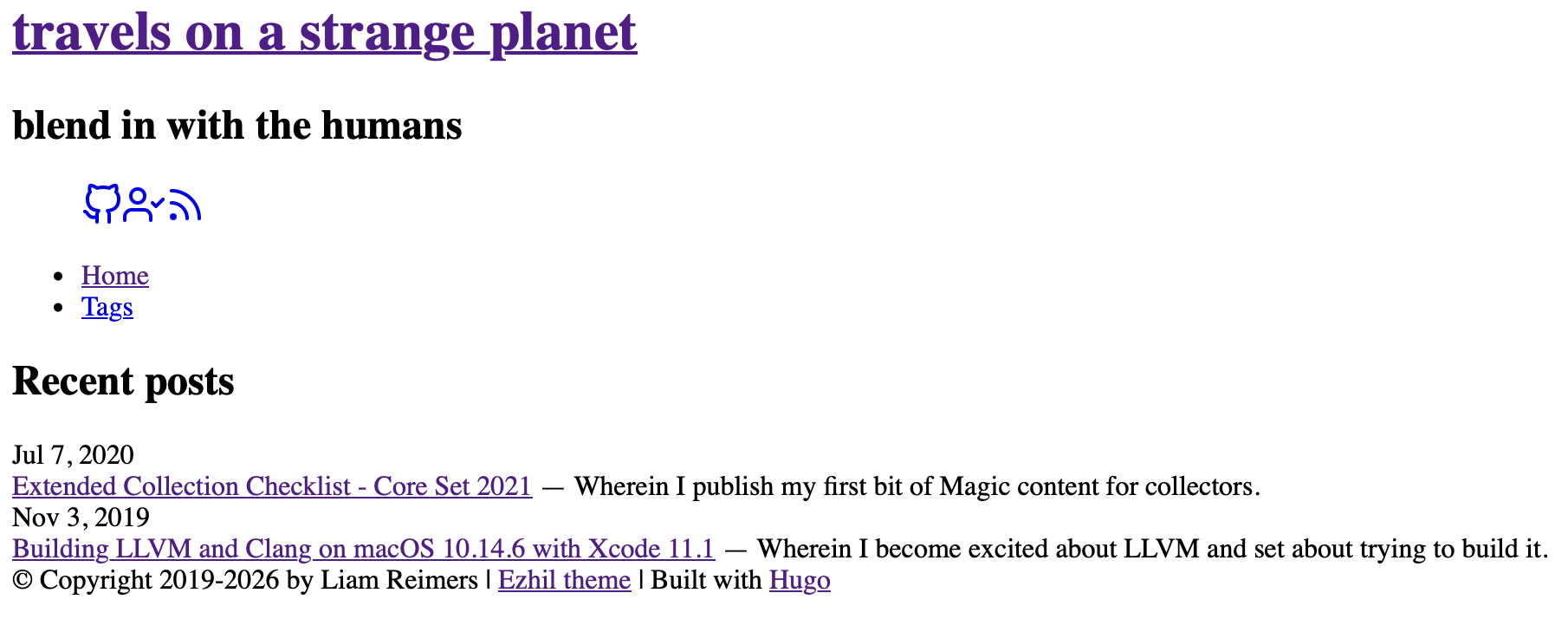
I did some more research and learned that I had to use the Hugo Github Action so that the page would be built properly and display like it should with all of the theme files included.
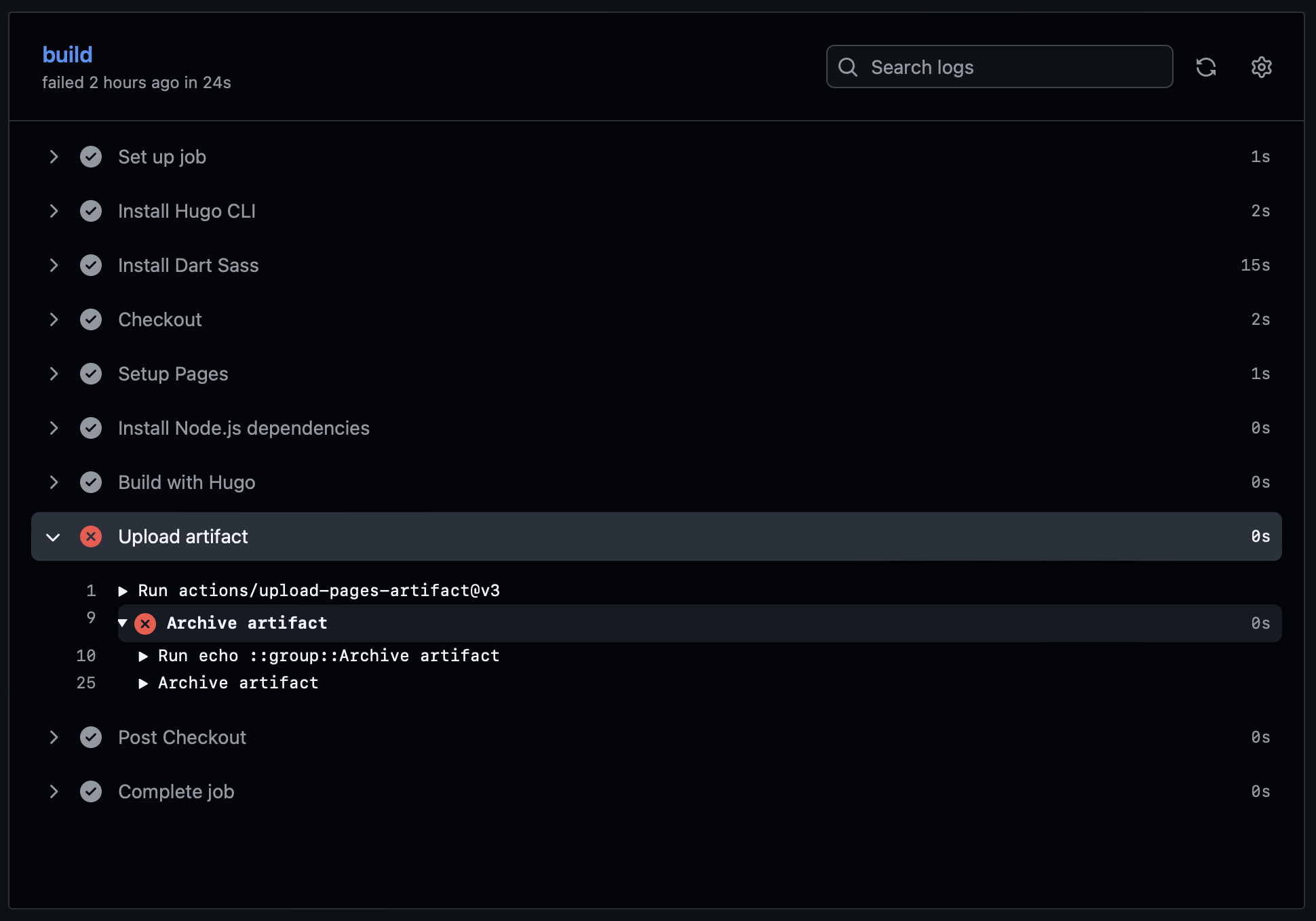
I switched back to the Hugo action, and of course, it still wasn’t working.
After putting the Hugo build in debug mode, I traced the problem down to the
directory that I was using for the build. I was using docs and the Github
Action was looking for the site files in public.
Success
After I fixed this last failure point in the hugo.yml, and kicked off a new
build - the site started loading properly!
The technical challenge is over, and here is a blog post about it.
Let’s see if my pattern continues.